Platform
MB WAY on Shopify: now native in Shopify Payments in Portugal
MB WAY is now a payment method in Shopify Payments itself in Portugal, with no app or external provider. Requirements, limits, fees per plan and how to enable it.
- Author
- Skrey team
- Date
- 12 November 2026
- Reading time
- 6 min read
- Topic
- Platform
For years, having MB WAY on a Shopify store meant installing a Portuguese payment provider's app, signing one more contract and reconciling one more payment source. It worked, but you paid twice: the provider's fee and the extra fee Shopify charges stores that use an external gateway.
Not anymore. MB WAY is now a local payment method in Shopify Payments itself, for customers in Portugal. You switch it on in the payment settings, payments land in the same payout as cards and there is no third‑party transaction fee. Here is what changed, what it costs on each plan and how to enable it.
What changed
- No app or separate contract. MB WAY is listed among Shopify Payments local methods and takes two clicks to switch on.
- One payout. MB WAY payments are included in Shopify Payments payouts, together with cards and Multibanco. One less source to reconcile with your ERP or invoicing software.
- No third‑party gateway fee. With an external provider, Shopify adds a percentage to every order. With the native method, that fee goes away.
- Cheaper than cards. On every plan, the MB WAY rate is lower than the standard card rate.
Requirements and limits
All of this is on the official MB WAY page in Shopify's help center:
- Account: Shopify Payments active, in a supported region (Portugal included), with an eligible business type.
- Market: an active market that includes Portugal, with the euro as its currency.
- Customers: in Portugal only, in euros only, with an MB WAY account.
- Amounts: €0.50 to €5,000 per order.
- Capture: automatic after approval. No manual capture.
- Refunds: full and partial, as with cards.
- Disputes: the customer raises them with their bank. You respond in the admin, but MB WAY or the bank decides.
- Where it shows: Shopify checkout and Shop Pay.
Fees per plan: MB WAY, cards and external gateways
Shopify's pricing page for Portugal now lists MB WAY as its own row. Online rates per transaction, checked on 12 November 2026:
- Basic: MB WAY 1.3% + €0.30; standard card 1.8% + €0.30; third‑party gateway +2%.
- Grow: MB WAY 1.2% + €0.30; standard card 1.6% + €0.30; third‑party gateway +1%.
- Advanced: MB WAY 1.1% + €0.30; standard card 1.5% + €0.30; third‑party gateway +0.6%.
- Plus: MB WAY 1% + €0.30; standard card 1.35% + €0.30; third‑party gateway +0.2%.
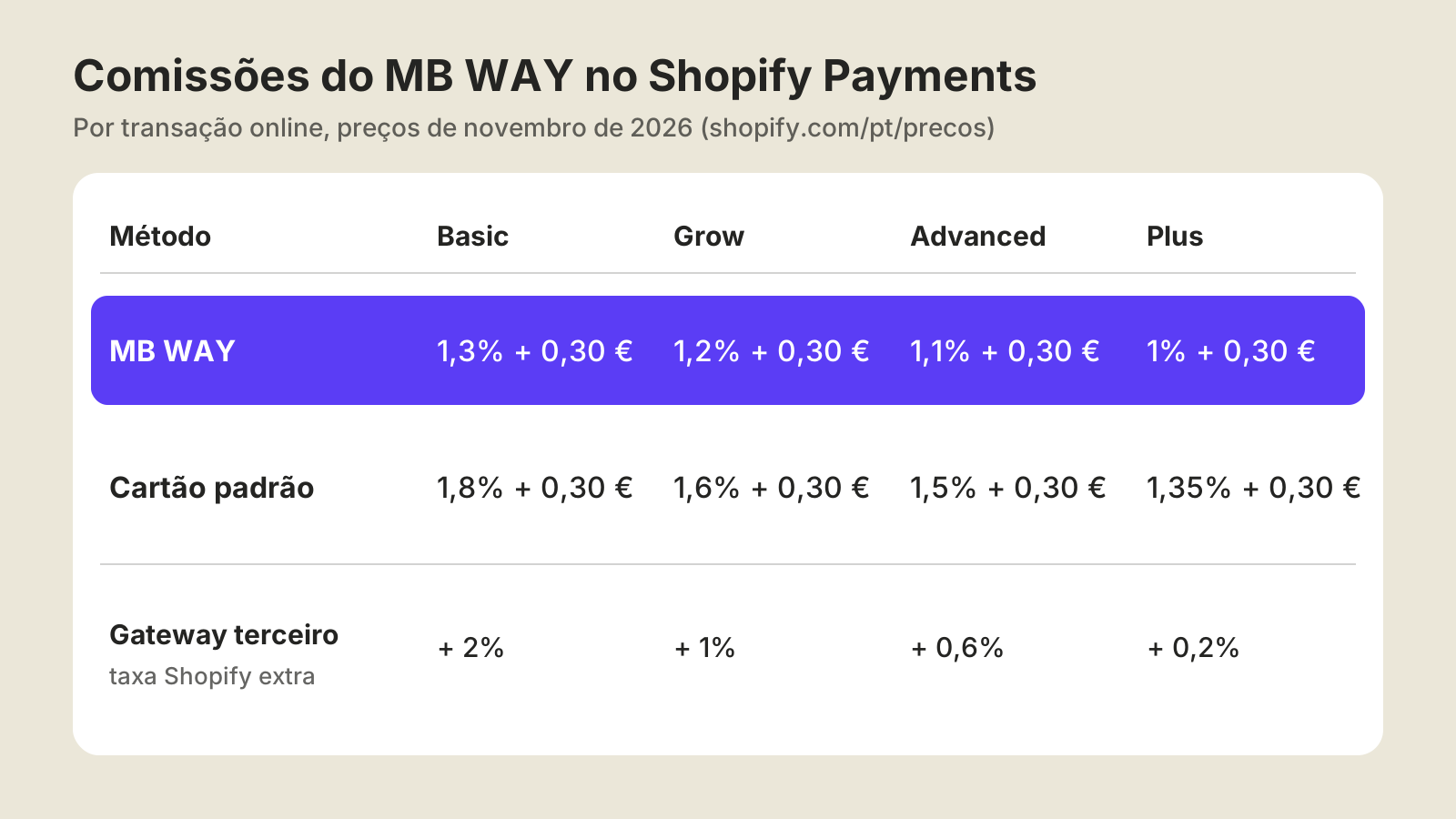
An example. On an €80 order on the Grow plan, MB WAY costs €1.26 and a card €1.58. With an external gateway, Shopify's 1% comes on top of whatever the provider charges, so another €0.80 per order. For stores with a lot of MB WAY orders, the difference shows at the end of the month.
How to enable MB WAY in Shopify Payments, step by step
Menu names can vary with the admin language. These are the English ones.
- In the Shopify admin, open Settings > Payments.
- In the Shopify Payments section, click Manage.
- Open More actions and choose Manage payment methods.
- Under Local payment methods, click the three‑dot menu next to MB WAY, then Enable.
- If MB WAY doesn't show, check your markets: you need an active market with Portugal in euros, and the store has to accept EUR.
How the customer pays
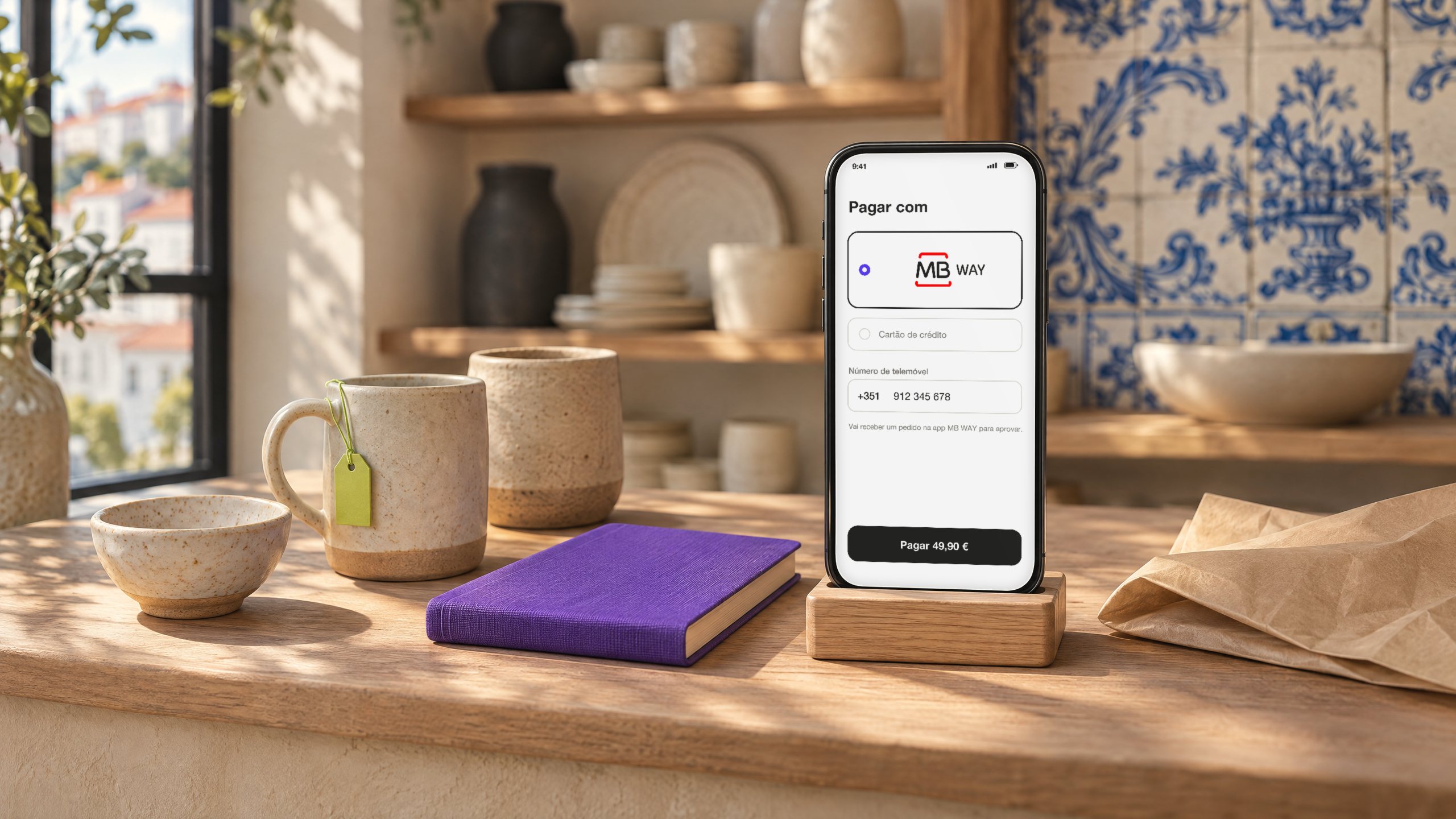
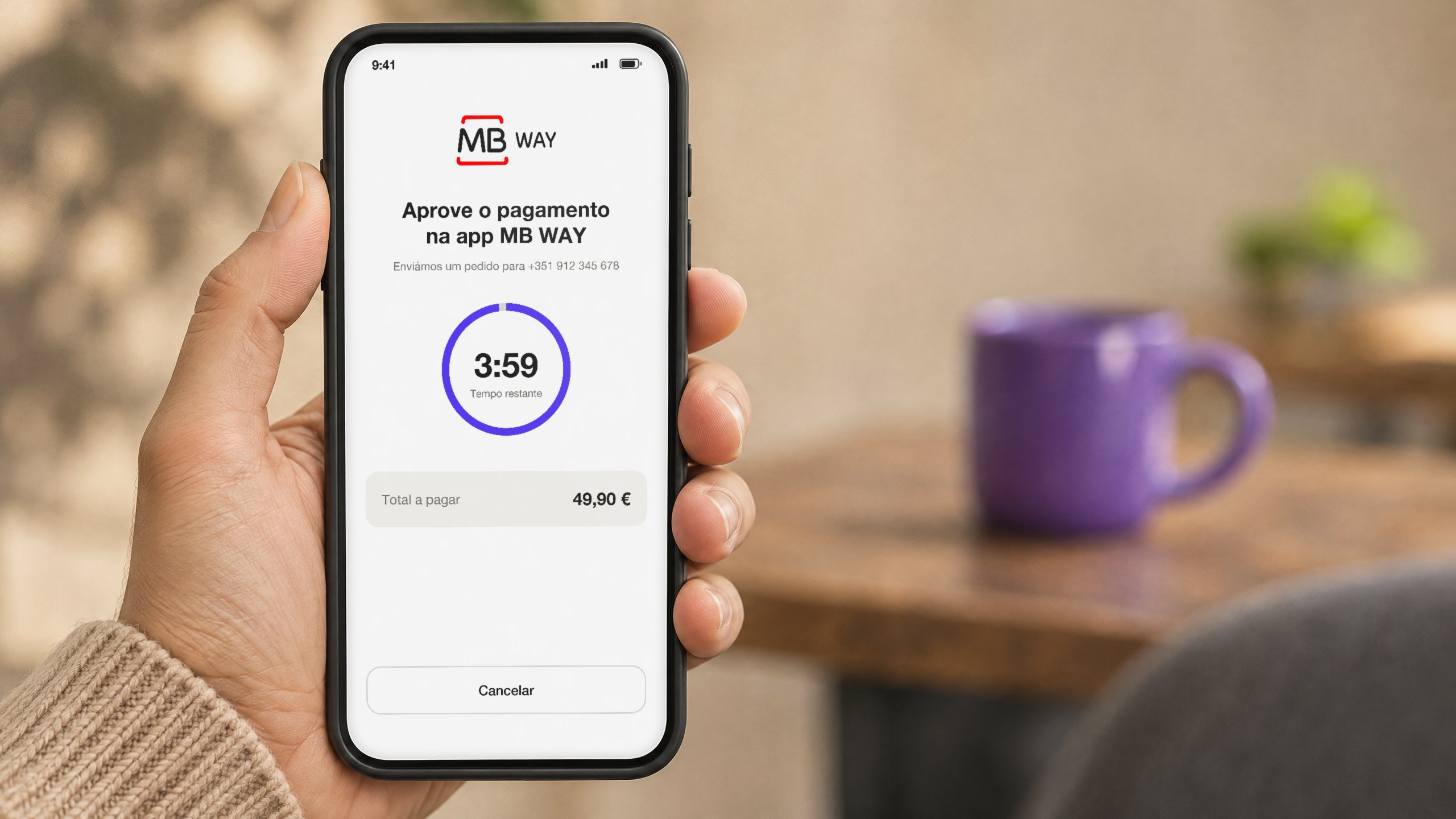
At checkout, the customer picks MB WAY, enters their phone number and gets the request in the MB WAY or banking app. They have 4 minutes to approve. If they don't, no order is created and they can retry or choose another method. Since nearly all of it happens on the phone, your mobile checkout deserves a close look.
How to test before you announce it
- Place a small real order from Portugal, on a phone, and approve it in MB WAY.
- Check the order is created with the right gateway and the payment shows in the payout.
- Run a partial refund and see that it reaches the MB WAY account.
- Let a request expire without approving and confirm no pending order is left behind.
- Check your ERP or invoicing software recognises the new gateway on orders and refunds.
Moving from an external gateway without losing sales
If you offer MB WAY today through a Portuguese provider with a Shopify app, the switch is simple but worth doing in order:
- Enable and test the native method while your current provider is still connected.
- Turn off the old provider's MB WAY right after, so customers don't see two MB WAY options at checkout.
- Keep the old provider's account as long as needed to handle refunds and disputes on earlier orders.
- Review automations that rely on the gateway name: emails, Flow, ERP exports, reports.
- Monitor conversion by payment method for two to four weeks.
Limitations to keep in mind
- €5,000 cap per order. For large orders, keep cards or bank transfer.
- No subscriptions. Subscription products can't be paid with MB WAY and still need a card.
- B2B. Orders with payment terms or above the cap need another method.
- No in‑person payments in Portugal. Shopify Payments in Portugal only processes online payments. POS still needs an external terminal and provider.
- Your current provider's features. If you rely on payment links, reports or integrations only they offer, check what you lose before switching.
What about Multibanco? Multibanco references are also native in Shopify Payments and are enabled automatically for customers in Portugal.
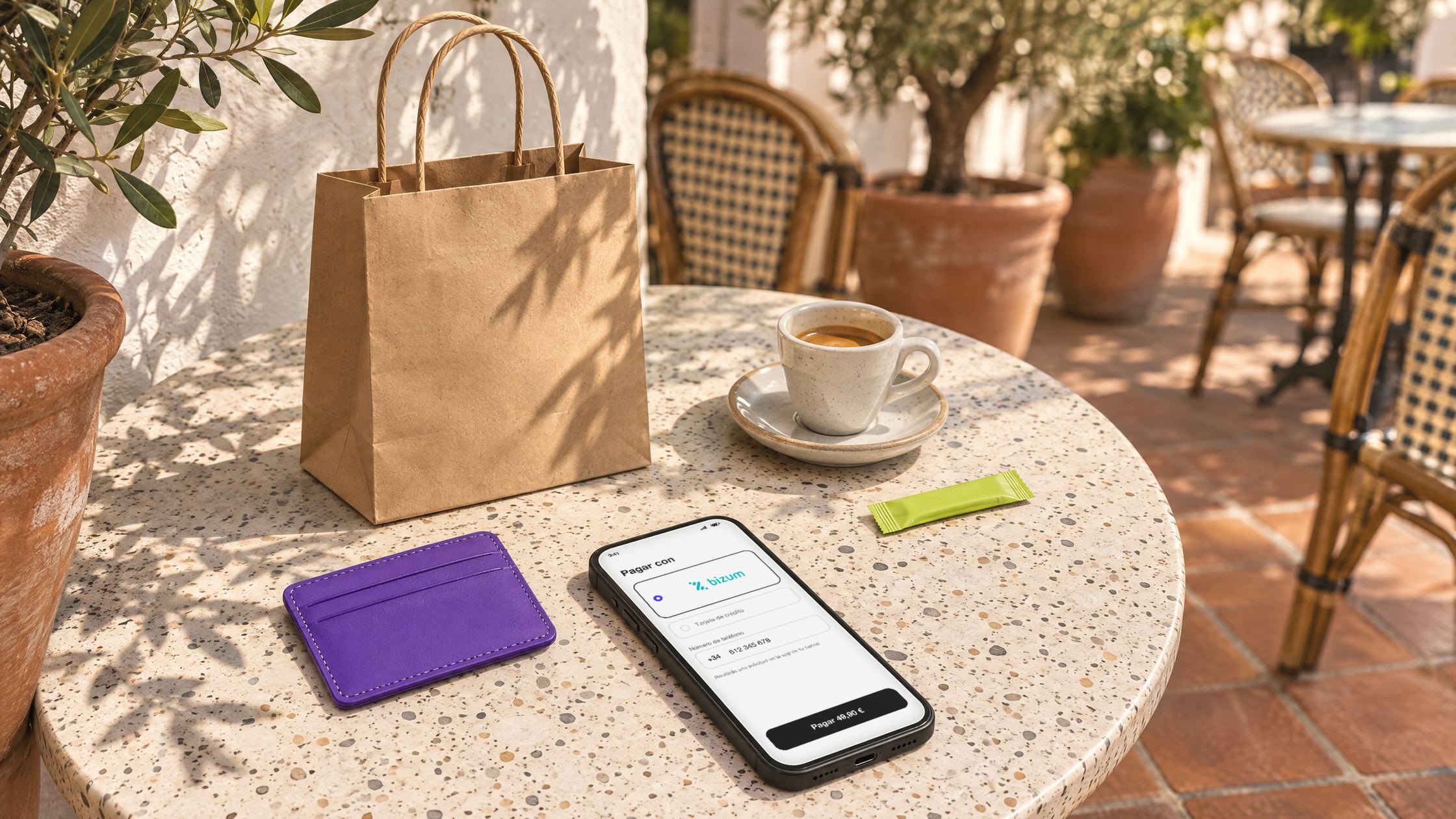
If you also sell into Spain, Bizum arrived in Shopify Payments at the same time. We cover it in Bizum on Shopify.
FAQ
Is MB WAY available in Shopify Payments?
Yes. It's a Shopify Payments local method for customers in Portugal, in euros, enabled under Settings > Payments > Shopify Payments > Manage payment methods.
How much does MB WAY cost on Shopify?
In November 2026, from 1.3% + €0.30 on Basic to 1% + €0.30 on Plus. It's below the standard card rate on every plan and has no third‑party transaction fee.
What is the maximum order value with MB WAY?
€5,000 per order, with a €0.50 minimum.
Can I use MB WAY for subscriptions?
No. Shopify doesn't allow subscription products to be paid with MB WAY.
Why doesn't MB WAY show at my checkout?
Usually there's no active market with Portugal in euros, the method hasn't been enabled in the settings, or you're testing from outside Portugal. MB WAY only shows to customers in Portugal.
Should I switch off my current MB WAY provider?
Turn off the duplicate method once the native one is tested, but keep the account while there are refunds or disputes on orders it processed.
We work with more than 40 Shopify Plus stores in Portugal. For the rest of checkout, see how to customise Shopify checkout and what's new in Shopify Editions Fall 2026. If you want help enabling MB WAY or moving off your current gateway, get in touch.